Is It a Real Virus or a Scam? How to Tell | Ocala, FL
Is It a Real Virus or a Scam? How to Tell (Fast)
Those scary “Your computer is infected!” warnings can feel real — but most are browser-based scam pop-ups designed to trick you into calling a fake support number or installing harmful software. This guide shows you how to tell the difference and what to do next.
📞 Call 352-274-5725 | 💬 Text 352-274-5725 | 🖥️ Schedule Help

Quick Answer: Scam Pop-Up vs Real Infection
Most “virus detected” messages that appear inside your web browser are scams (often called scareware). A real infection usually causes symptoms even after you close the browser—like slow performance, strange programs, disabled security, or constant redirects.
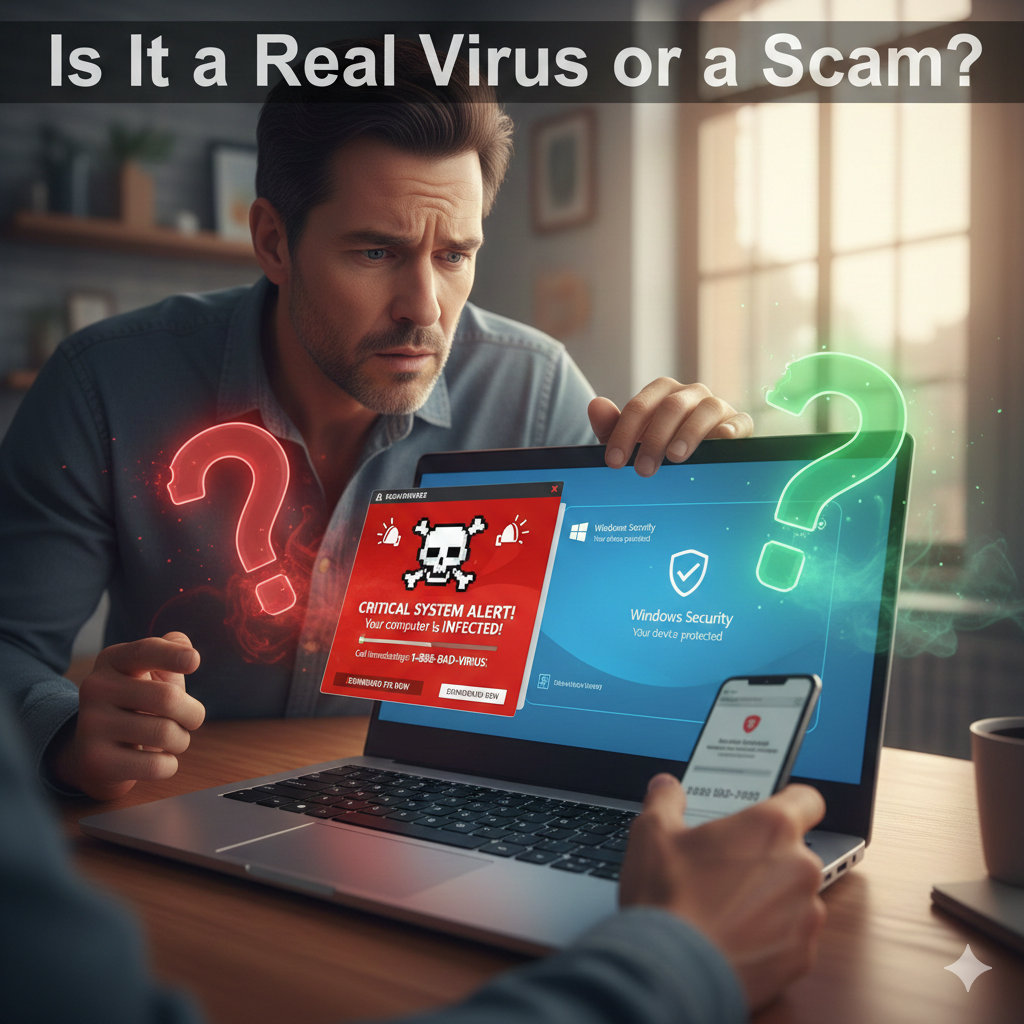
Most virus warnings are scams. If the alert appears in your browser and asks you to call a phone number, it is almost never real. Close the tab and do not click anything.
Top Red Flags It’s a Scam
- It shows a phone number and demands you call immediately.
- It claims to be Microsoft/Apple support in a random webpage.
- It uses fear tactics like “You will be arrested” or “Your IP is reported.”
- It won’t let you close the page or plays alarm/siren sounds.
- It asks you to download a “repair tool” from the warning message.
- It appears after clicking an ad or a sketchy download button.
Signs It Might Be a Real Virus (Not Just a Pop-Up)
- Your PC stays slow even after the browser is closed
- New apps or toolbars appear that you didn’t install
- Your homepage/search engine keeps changing
- Windows Security/antivirus won’t open or is disabled
- Pop-ups appear outside the browser (desktop notifications you didn’t allow)
- Files become missing, encrypted, or you see ransom notes
What To Do Right Now (Safe Steps)
- Do NOT call any number shown in a pop-up.
- Close the browser tab. If it won’t close, use Task Manager/Force Quit (steps below).
- Disconnect from Wi-Fi if you think it may be a real infection.
- Don’t type passwords until you’ve confirmed the system is safe.
- Run a trusted scan using Windows Security if it opens.
How to Close a Scam Pop-Up That Won’t Go Away
Windows (Chrome / Edge)
- Press Ctrl + Shift + Esc to open Task Manager.
- Select your browser (Chrome/Edge) → click End task.
- Reopen the browser and choose Do not restore tabs if prompted.
Mac (Safari / Chrome)
- Press Command + Option + Escape.
- Select the browser → Force Quit.
- Reopen without restoring tabs.
What NOT To Do
- Don’t click Allow Notifications on random websites.
- Don’t install “PC cleaners” or “security tools” suggested by a pop-up.
- Don’t give remote access to anyone who contacts you from a warning message.
- Don’t enter credit card info to “activate protection” or “unlock your PC.”
Common Scam Messages (Examples)
- “Windows Defender Alert: Trojan detected — Call Support Now!”
- “Apple Security Warning: Your iCloud is hacked!”
- “Your computer is blocked due to illegal activity.”
- “Critical system damage — click OK to repair.”
Legit security alerts typically appear inside your operating system’s security tools (like Windows Security), not as a random website demanding you call a number.
Need Help in Ocala, FL?
If you’re not sure whether it’s a scam or a real infection, we can check it quickly. We offer mobile service and drop-off service in Ocala.
📞 Call 352-274-5725
💬 Text 352-274-5725
🖥️ Schedule Online
Related pages: Computer Repair in Ocala, FL | Virus Removal Service | More Tips on Our Blog