Laptop Repair in Ocala, FL
Screen cracked? Won’t turn on? Running hot or freezing constantly? Everything I.T. provides fast, honest laptop repair — same-day service available for most issues.
Professional Laptop Repair for Homeowners, Students & Small Businesses
Everything I.T. has been the trusted laptop repair shop for Marion County residents since 2009. When your laptop has a problem, you want someone who will give you a straight answer — not push an unnecessary replacement. That’s what we do.
Whether your screen is cracked, your laptop overheats and shuts down, you’re locked out of Windows, or your charging port stopped working — bring it in or call us and we’ll diagnose it the same day in most cases.
Laptop Repair Services We Provide
From hardware failures to software issues, we handle the most common — and most frustrating — laptop problems.
Laptop Screen Replacement
Cracked, black, flickering, or dead screen? We stock common replacement screens and can often have your laptop back the same day. We service all screen sizes including HD, FHD, and touch displays.
No Power / Won’t Turn On
If your laptop is completely dead or won’t boot, we diagnose the cause — failed power jack, bad battery, motherboard issue, or corrupted OS. We tell you exactly what’s wrong and what it will cost before any work begins.
Overheating & Fan Issues
Laptop shutting down randomly? Fan running loud at full speed? Dust buildup and dried thermal paste choke airflow over time. We clean the fans, clear the vents, and reapply fresh thermal paste to bring temperatures back to normal.
Battery & Charging Port Repair
Battery not holding a charge or showing 0%? Charging port loose or broken? We replace laptop batteries and repair or replace DC power jacks and USB-C charging ports on most makes and models.
Keyboard & Touchpad Repair
Keys sticking, missing, or not registering? Touchpad not responding? We replace laptop keyboards and repair or replace touchpad assemblies — keeping your laptop usable without an external mouse or keyboard.
SSD Upgrade & RAM Upgrade
Slow startup and long load times are often a storage or memory problem — not a dying computer. Upgrading to an SSD or adding RAM is one of the best investments you can make. We transfer all your data to the new drive.
Windows 11 Reinstall & Updates
Broken Windows installation, persistent error messages, or a laptop that boots into a repair loop? We perform a clean Windows 11 install, apply all critical updates, and confirm all drivers are current — stable from day one.
Virus & Malware Removal
Pop-ups, browser redirects, fake antivirus warnings, and ransomware removed completely. We harden your security settings so the infection doesn’t return, and include a system cleanup and tune-up as part of the service.
BIOS Update & Hardware Diagnostics
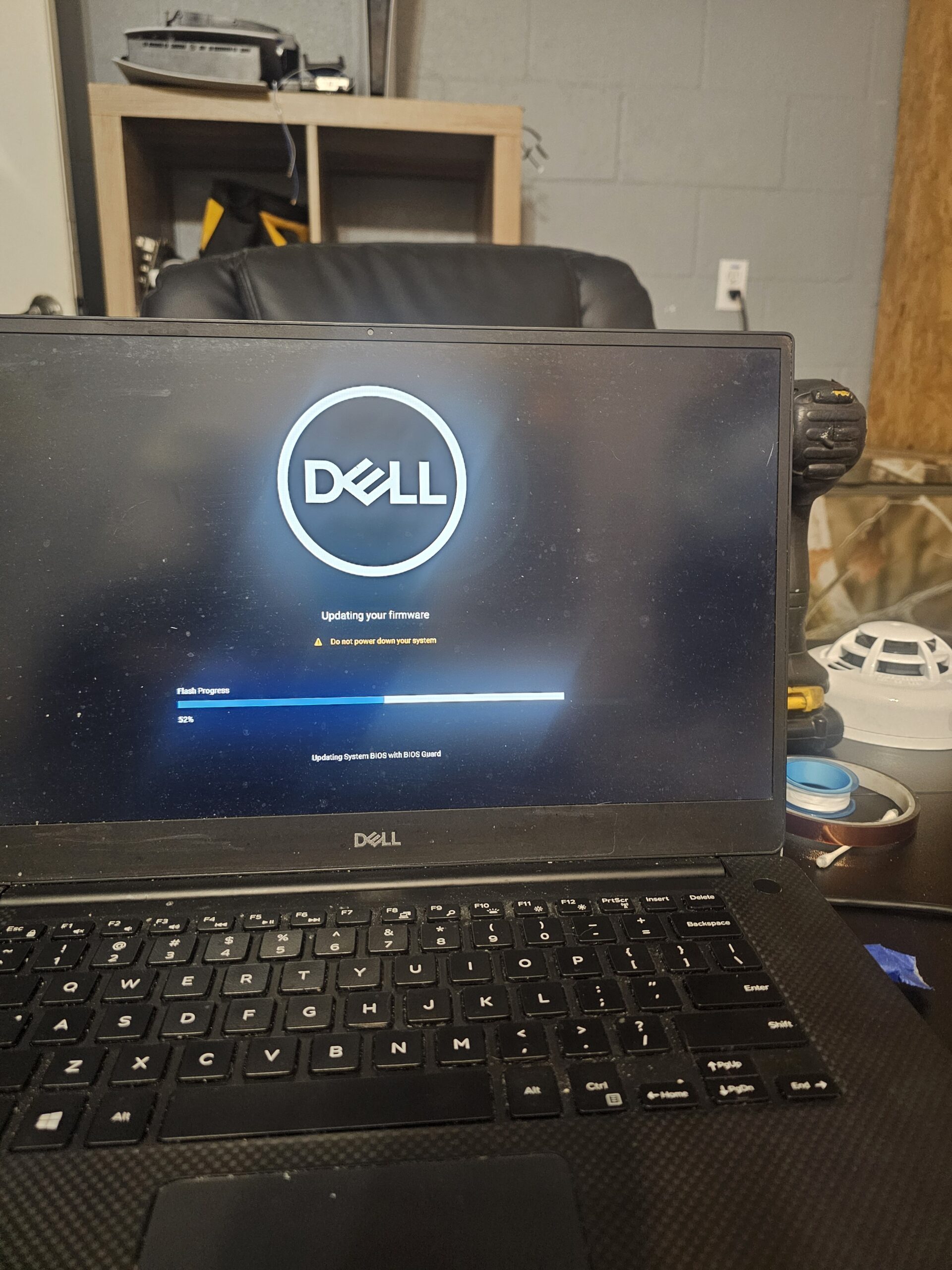
Outdated BIOS firmware can cause stability issues, hardware conflicts, and security vulnerabilities. We update your BIOS and run full hardware diagnostics to confirm CPU, RAM, storage, and battery are all operating correctly.
Data Recovery & File Backup
Accidentally deleted files, a failing hard drive, or a laptop that won’t boot with your data on it? We recover files from damaged drives and help you set up a proper backup plan so it doesn’t happen again.
Password Reset & Account Access
Locked out of Windows, forgot your Microsoft account password, or inherited a laptop with a login you don’t know? We get you back into your system safely — without wiping your data in the process.
Motherboard & Hardware Diagnosis
Intermittent shutdowns, random restarts, and strange errors can point to a deeper hardware problem. We run component-level diagnostics to identify whether the issue is the motherboard, RAM, storage, or another part before recommending a repair.
Clean Windows 11 Install, Updates & BIOS
A corrupt Windows installation can make a perfectly good laptop feel like a doorstop. We perform full clean reinstalls, apply every pending update, and flash the latest BIOS firmware — leaving you with a system that’s stable, up to date, and secure.
- Clean Windows 11 reinstall — bloatware removed, drivers installed correctly
- Windows Update — cumulative updates, security patches, and .NET frameworks fully applied
- BIOS firmware update — improves hardware compatibility, stability, and security
- Driver updates — graphics, audio, Wi-Fi, and chipset all confirmed working
- Data preserved — your files stay intact; we back up first, always
- Microsoft account reconnected — Office 365, OneDrive, and apps set back up
Laptop Cleaning, Thermal Paste & Fan Service
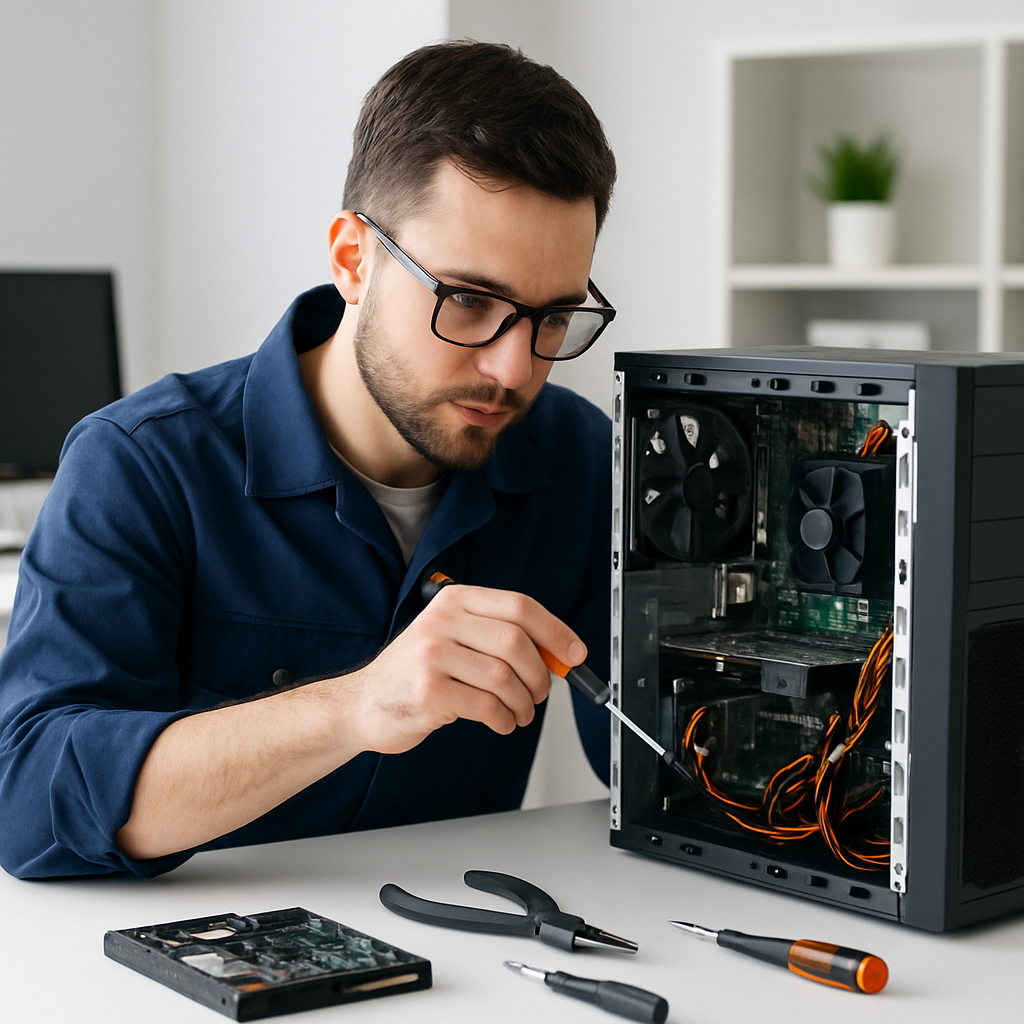
Florida’s heat and humidity accelerate dust buildup inside laptops. Over time, clogged fans and dried-out thermal paste cause CPUs to run dangerously hot — triggering random shutdowns, throttled performance, and eventually permanent damage.
- Internal fan cleaning — compressed air, brush cleaning, and blockage removal from heat fins and vents
- Thermal paste reapplication — old dried paste removed; premium paste applied to CPU and GPU dies
- Temperature testing — we verify temps under load before returning the laptop to you
- Fan speed verification — confirm fans ramp correctly and aren’t failing
- Fan replacement if needed — we stock replacement fans for common laptop models
Why Repair Often Beats Buying a New Laptop
New laptops start at $400–$800 for decent specs. In many cases, a targeted repair costs a fraction of that — and leaves you with a machine you already know and have set up the way you like it.
* Prices are general estimates. We provide an exact quote after diagnosis — no charge for the phone consultation.
We Repair All Major Laptop Brands
We work on laptops from every major manufacturer. If you don’t see your brand listed, call us — we likely service it.
Laptop Repair FAQ
Quick answers to the questions we hear most often. Have something more specific? Just call or text — it’s always free to ask.
How long does laptop repair take?
Most software repairs — virus removal, Windows reinstalls, updates, and tune-ups — are completed the same day. Hardware repairs like screen replacement and keyboard swaps usually take 1–2 business days depending on parts availability.
Do you charge a diagnostic fee?
We offer a free phone consultation to discuss your issue before you even come in. For in-person diagnostics, there’s a small fee that is waived if you proceed with the repair. We’ll never run up charges without telling you first.
My laptop is old — is it worth repairing?
It depends on the repair cost versus the laptop’s value and remaining lifespan. We’ll give you an honest recommendation. If the repair doesn’t make financial sense, we’ll tell you — even if that means you don’t spend money with us.
Will I lose my files if you reinstall Windows?
No — we always back up your data before performing a Windows reinstall. We’ll transfer your documents, photos, and other files to the fresh installation so nothing is lost in the process.
My laptop randomly shuts off. Is that hardware or software?
Random shutdowns during use are most commonly a thermal issue — the laptop overheats and cuts off to protect itself. This is usually clogged fans or dried thermal paste. We run full diagnostics to pinpoint the exact cause before recommending a repair.
Can you repair a cracked screen that still works?
Yes. If your display still functions but has a crack or dead pixels, we can replace just the LCD assembly. The rest of the laptop is unaffected. Many cracked-screen repairs are completed the same day.
Do you offer drop-off or mobile laptop repair?
Both. You can drop your laptop off at our Ocala location, or in some cases we can come to you for mobile service. Many software issues can also be resolved remotely without a visit. Call (352) 274-5725 to discuss what works best.
Ready to Get Your Laptop Fixed?
Same-day service available. Free phone consultation. No surprise charges. Call or text and we’ll talk through your problem before you even bring it in.
Everything I.T. · Ocala, FL · Serving Marion County Since 2009