Ocala Console Repair Since 2009 • Same-Day Service
PS5 Overheating Repair in Ocala, FL
If you need PS5 overheating repair in Ocala, FL — whether your console is shutting off by itself, running with a screaming fan, or showing an overheating warning — Everything I.T. can help. In most cases the fix is a deep dust cleaning, fan service, and liquid metal re-application, not a new console. We've been repairing consoles in Ocala since 2009 and get most PS5 overheating repairs done the same day.
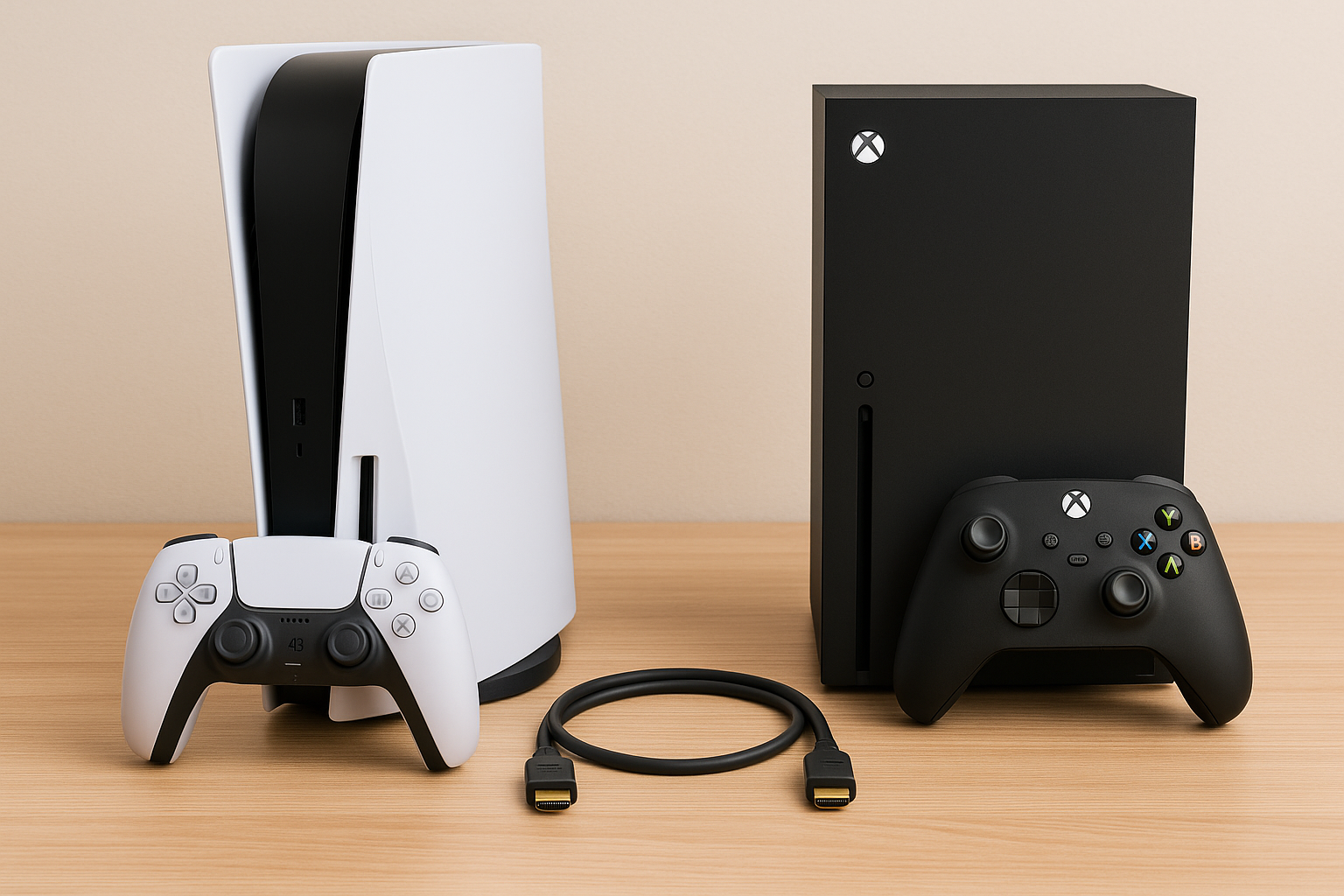
Is Your PS5 Doing Any of This?
These are the most common signs your PS5 is struggling with heat. All of them are usually fixable without replacing the console.
PS5 Shuts Off On Its Own
Console powers down unexpectedly during gameplay — a classic sign of thermal shutdown triggered by overheating.
Fan Running Very Loud
Fan running at full speed constantly, even during lighter games or when sitting at the home screen.
Overheating Warning On Screen
PS5 displays a message warning that the console is too hot and needs ventilation before it can be used safely.
Performance Throttling
Games run sluggishly or stutter even though they used to run fine — thermal throttling reduces performance to protect the processor.
Console Feels Extremely Hot
Outside of the console is noticeably hot to the touch, especially near the exhaust vents, even after short play sessions.
Crashes Then Works, Then Crashes Again
PS5 shuts off, cools down, works for a bit, then shuts off again — a cycle that points directly to a heat management problem.
Why PS5 Consoles Overheat — And Why It's Fixable
PS5 overheating repair in Ocala, FL is one of our most common console jobs. It almost always comes down to one or both of two causes: dust buildup choking the airflow, and liquid metal degradation on the processor. Neither one requires replacing the console.
- Dust buildup — Fine dust accumulates on the fan blades, heatsink fins, and interior vents over time, restricting airflow and trapping heat inside the console.
- Liquid metal degradation — Sony uses liquid metal instead of standard thermal paste between the PS5 processor and heatsink. Over time it can migrate, dry out, or oxidize — drastically reducing heat transfer.
- Fan wear — The fan bearing can wear over time, reducing its ability to move air efficiently even when spinning at full speed.
- Blocked vents — Console placement in an enclosed space or against a wall traps heat and makes existing problems worse.
Our PS5 Overheating Repair Process
A thorough, professional repair — not just a quick blow-out with compressed air. Here's exactly what we do.
Intake Inspection
We note symptoms, check the console's behavior, and inspect the exterior before opening anything. You get a quote before we proceed.
Full Disassembly
The PS5 is carefully disassembled to expose the fan, heatsink, and motherboard. All screws and components are tracked and organized.
Deep Dust Cleaning
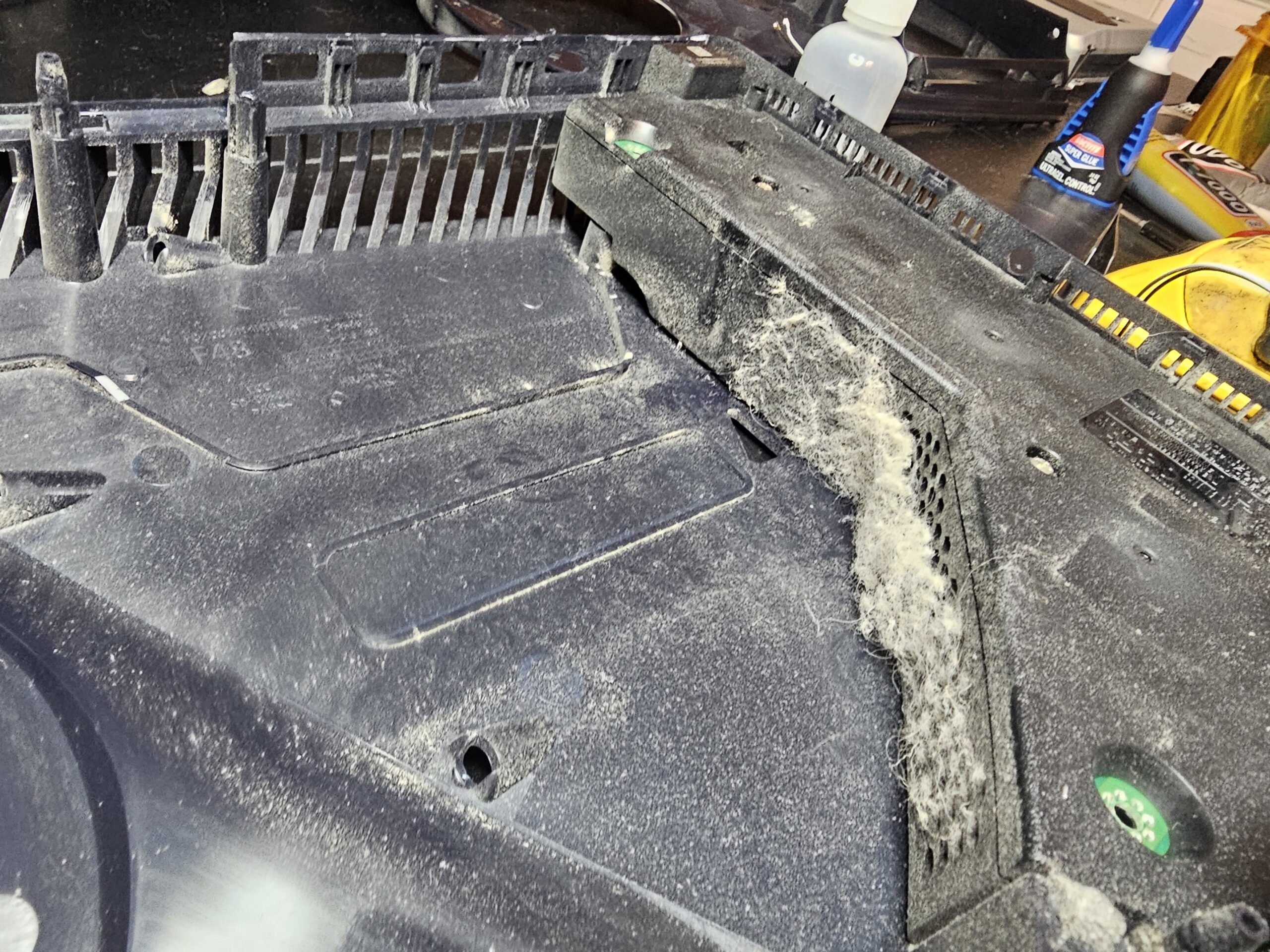
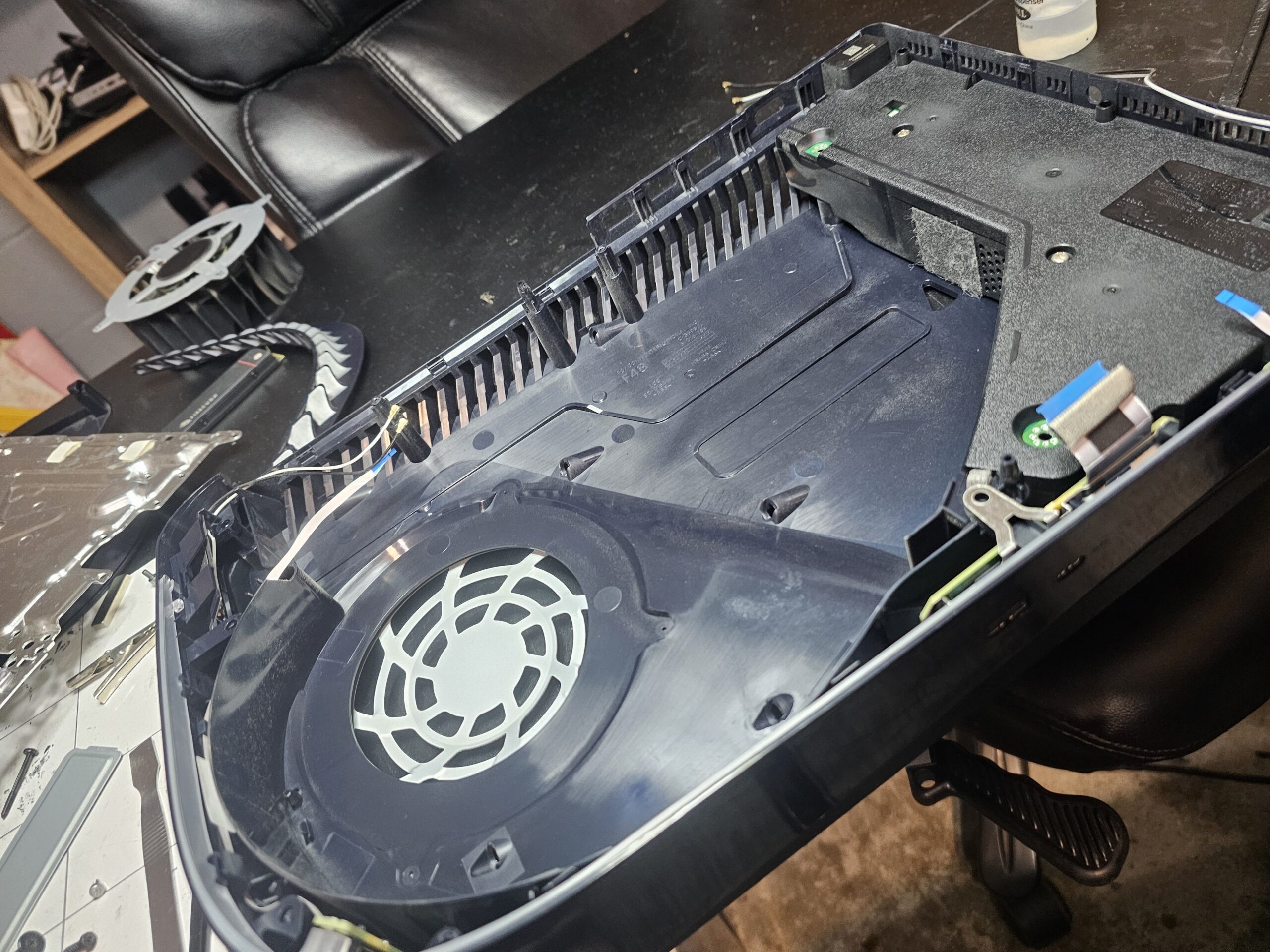
Fan blades, heatsink fins, vents, and all interior surfaces are cleaned of dust and debris. This alone often resolves overheating in consoles that aren't heavily used.
Liquid Metal Removal & Re-Application
The old liquid metal is carefully removed from both the processor die and the heatsink contact surface. Fresh liquid metal is applied correctly — the right amount in the right area — to restore maximum thermal contact.
Fan Inspection
Fan operation and bearing condition are checked. If the fan is worn or damaged, replacement is available and quoted separately.
Full Reassembly & Temperature Test
Console is fully reassembled and run under load to verify temperatures are in the normal range before it's returned to you.
See the Difference a Proper Cleaning Makes
This is a real PS5 that came in overheating and shutting off. The photos show exactly what we found inside — and what it looked like after our cleaning and thermal service.
What Ocala Customers Say
Rated 5 stars on Google based on 146 reviews from local customers.
"Called Tony Tuesday about a PS5 HDMI port, took it in Wednesday morning and had it done within an hour!"
"Quick, efficient and friendly. Pricing was fair considering other companies wanting to triple charge!"
"I dropped off my console early and it was done faster than he told me. Will go to for any tech from now on."
PS5 Overheating Repair — FAQ
Answers to what most customers ask before dropping off their console.
Why is my PS5 overheating?
What does PS5 liquid metal re-application involve?
How much does PS5 overheating repair cost in Ocala?
How long does the repair take?
Will I lose my saved games or data?
Can you fix my PS5 HDMI port at the same time?
Is PS5 overheating repair worth it vs. buying a new console?
PS5 Shutting Off or Running Hot? Let's Fix It.
Need PS5 overheating repair in Ocala, FL? Call or text (352) 274-5725 and tell us what your console is doing. We'll give you a free estimate and get you scheduled — most repairs done same day.
Free estimate · No commitment required · Serving Ocala since 2009
Everything I.T. — Ocala, FL
Address: 4 Hemlock Loop Way, Ocala, FL 34472
Phone: (352) 274-5725 · Text Us
Hours: Mon–Sat 9:00 AM–6:00 PM · Sun 11:00 AM–4:00 PM
Locally owned and operated since 2009. Serving Ocala and Marion County — including Belleview, Dunnellon, Silver Springs, Citra, and The Villages. Call ahead to confirm same-day availability.