PS5 Overheating in Ocala? Here's What's Causing It — and How to Fix It
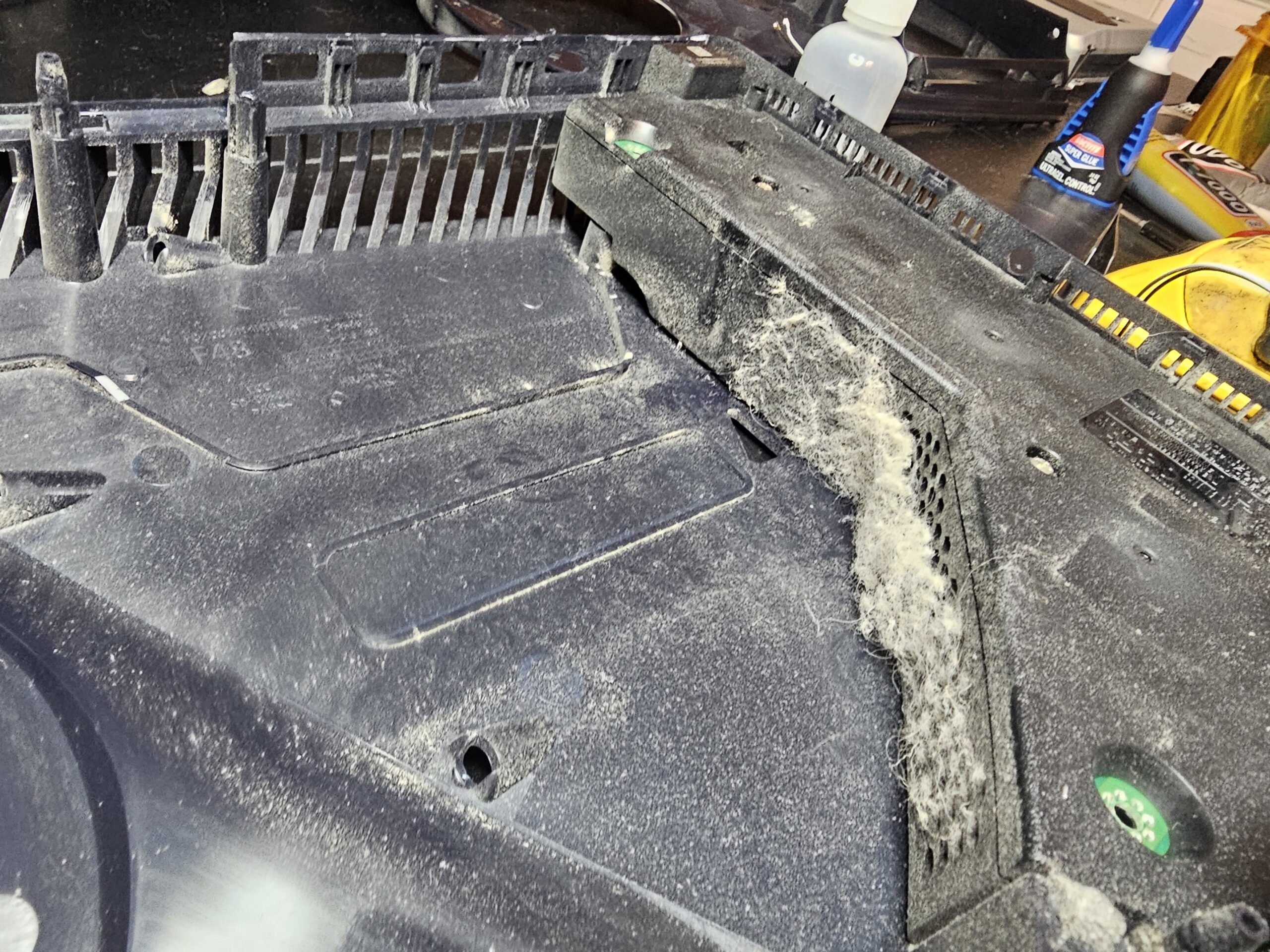
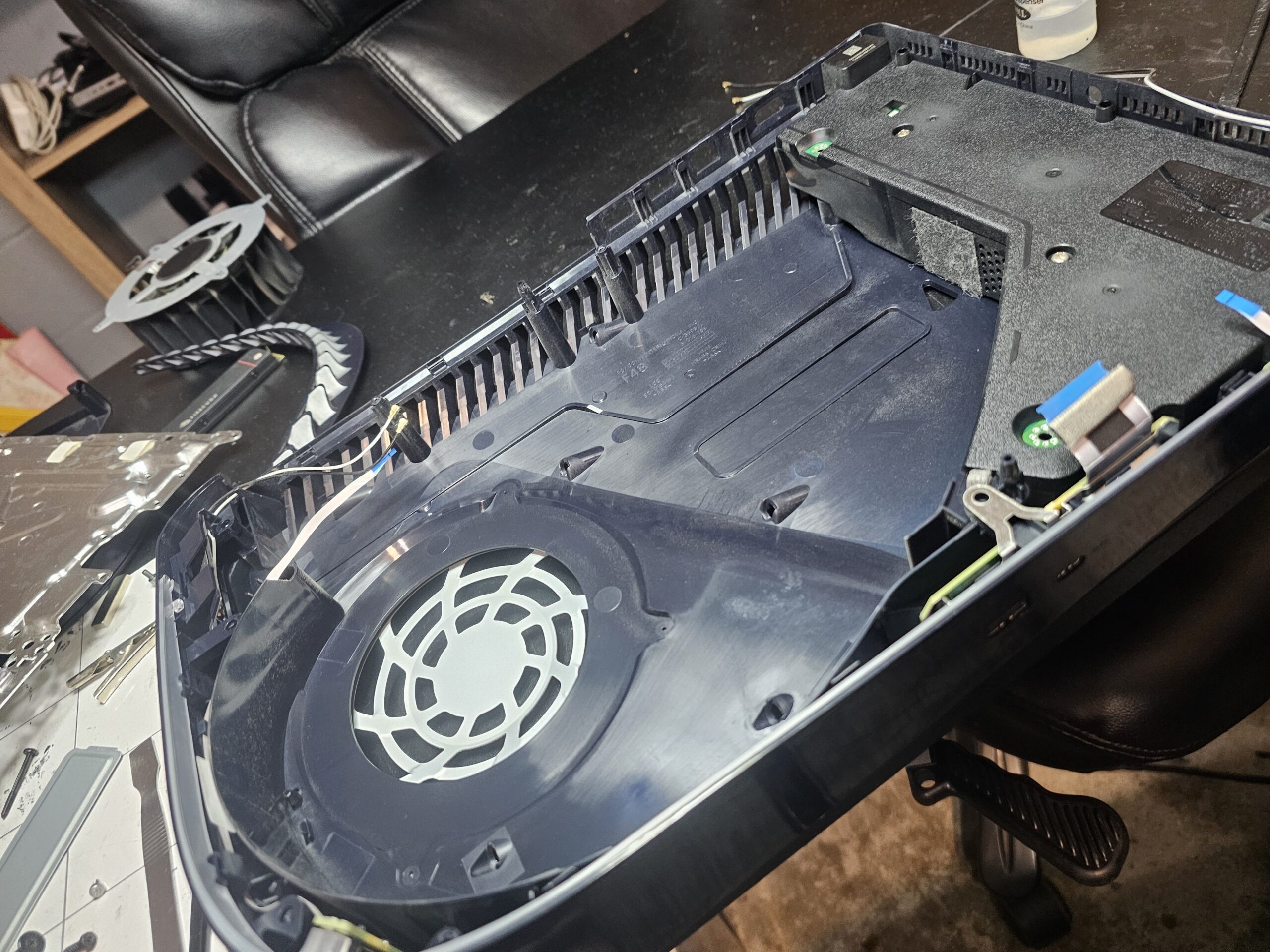
If your PS5 has been shutting off in the middle of games, running with a roaring fan, or showing an overheating warning, you're not alone. It's one of the most common PS5 problems we see at our Ocala repair shop — and in the vast majority of cases, it's completely fixable without replacing your console.
This post explains exactly what causes PS5 overheating, how to tell if your console has a thermal problem, and what the repair process looks like. If you're in Ocala or anywhere in Marion County, we can typically have your PS5 running cool and quiet again the same day you bring it in.
PS5 overheating is almost always caused by dust buildup blocking airflow, degraded liquid metal on the processor, or both. Neither requires replacing your console — both are fixed with a professional cleaning and liquid metal re-application.
How to Know If Your PS5 Is Overheating
PS5 overheating doesn't always announce itself with a big warning message. Sometimes the signs are subtle — a fan that's gotten louder over time, games that stutter more than they used to, or a console that runs warm even in rest mode. Here are the most common symptoms:
If your PS5 is doing any of the above — especially if it's shutting off on its own — that's your console's thermal protection system doing exactly what it's designed to do: shutting the system down before the heat can cause permanent damage to the processor or other components.
What Actually Causes PS5 Overheating
There are two root causes behind almost every PS5 overheating problem we see in Ocala. Understanding both helps you know what the repair involves.
Cause 1 — Dust Buildup
Over time, dust accumulates inside the PS5 on the fans, heatsink fins, and vents. In Florida — with humidity, air conditioning running constantly, and dust that builds up faster than in drier climates — this happens more quickly than most people expect. Once dust clogs the airflow path, the PS5 can no longer cool itself properly regardless of how good its fan is.
A can of compressed air pointed at the vents isn't a real fix — it moves surface dust but doesn't reach the heatsink and fan assembly where the real buildup is. A proper PS5 dust cleaning requires disassembly to reach every component that needs to be cleaned.
Cause 2 — Degraded Liquid Metal
This one surprises a lot of PS5 owners. Unlike most gaming consoles that use traditional thermal paste between the processor and heatsink, PS5 uses liquid metal — a more thermally efficient but less stable material. Liquid metal works exceptionally well when fresh, but over time it can:
When the liquid metal degrades, the processor can't transfer heat to the heatsink efficiently — causing it to run significantly hotter even with a clean fan and good airflow. This is why some PS5s overheat even after a dust cleaning: the liquid metal was the real problem.
In Ocala and across Florida, PS5 consoles tend to accumulate dust faster due to humidity and year-round air conditioning cycling. We recommend a deep clean every 12–18 months — sooner if you have pets or carpet in the room where the console lives.
PS5 Temperature — What's Normal and What's Not
If you're using a PS5 temperature monitoring app or just trying to gauge how hot is too hot, here's a reference for what the numbers mean:
| Temperature Range | Status | What It Means |
|---|---|---|
| 50–75°C | Normal | Healthy operating range. Fan should be quiet to moderate. |
| 75–85°C | Running Hot | Console is warm. Fan will be noticeable. Cleaning recommended. |
| 85°C+ | Critical | PS5 will shut off to prevent damage. Immediate service needed. |
Can You Fix It Yourself?
There's a lot of advice online about DIY PS5 cleaning — and some of it is reasonable for basic maintenance. Here's an honest breakdown of what you can safely do yourself versus what requires professional service:
Safe to Do Yourself
Removing the PS5 side panels and using compressed air on the exterior dust ports — the two circular vents on the top panel. Sony designed these to be accessible without tools. This is basic maintenance, not a full cleaning.
Requires Professional Service
Full internal disassembly to clean the fan, heatsink, and internal components. Liquid metal removal and re-application requires precision — too much or improper application can cause short circuits. This is not a task for trial and error.
The liquid metal service in particular is something we see DIY attempts go wrong fairly often. Liquid metal is electrically conductive — if it migrates onto surrounding components during re-application it can cause additional damage. Professional tools and experience make a real difference here.
Is It Worth Fixing or Should You Just Buy a New PS5?
This is the question we get most often and the answer is almost always: repair is the better move financially.
A PS5 overheating repair — dust cleaning plus liquid metal re-application — costs a fraction of what a new console runs. You keep your existing game library, saved data, account settings, and everything exactly as it was. You don't need to re-download hundreds of gigabytes of games or re-link your accounts.
The only time replacement makes more sense than repair is if there's additional damage beyond the thermal issue — and we'll tell you honestly if that's the case after we inspect the console. We'd rather give you accurate information than take your money for a repair that won't solve the underlying problem.
PS5 Overheating in Ocala? We Can Fix It Same-Day.
Everything I.T. has been repairing PS5 thermal issues in Ocala, FL since 2009. Call or text us and describe what your console is doing — we'll give you a straight answer on cost before you bring it in.