Fast Laptop SSD Upgrade in Ocala, FL
Is your laptop or desktop painfully slow? Upgrading from an old hard drive to a solid-state drive is the single biggest speed boost most computers can get — often making them feel brand new again.
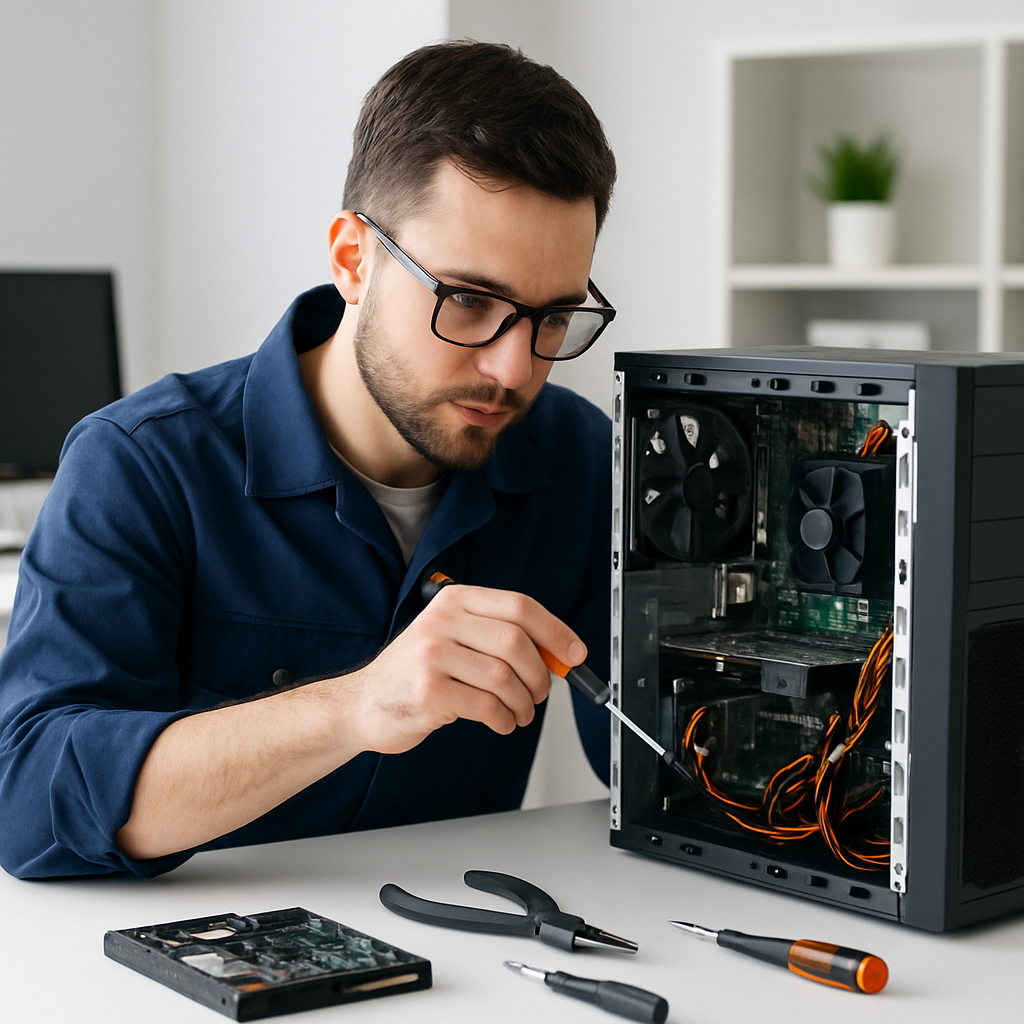
What Changes After an SSD Upgrade
Most customers are surprised at how dramatic the difference is — especially on laptops that are 3-5 years old.
❌ Before — Old Hard Drive
- Takes 3-5 minutes to fully start up
- Programs take forever to open
- Constant spinning and grinding sounds
- Freezes when multiple apps are open
- Gets hot from the spinning disk
- Vulnerable to damage from drops
✅ After — New SSD
- Windows boots in under 15 seconds
- Programs open instantly
- Silent — no moving parts
- Smooth multitasking
- Runs cooler and quieter
- More resistant to bumps and drops
How We Handle Your SSD Upgrade
We do the whole job — drive check, data cloning, installation, and Windows optimization — so you get back a fast, reliable machine.
Drive Health Check
We run diagnostics on your existing drive to confirm it's still readable and check for any early failure signs before cloning.
Data Clone
We clone your existing drive to the new SSD so all your files, apps, and Windows settings transfer over — nothing lost.
SSD Installation
We install a quality solid-state drive and verify the system boots correctly from the new drive before anything else.
Windows Optimization
We optimize Windows settings for SSD performance — startup programs, power plan, and unnecessary background processes cleaned up.
Final Tune-Up
Optional dust cleaning for better thermals, final speed test, and confirmation that everything is running correctly before we hand it back.
Signs Your Computer Needs an SSD Upgrade
Takes Forever to Start
If Windows takes more than a minute or two to fully start up, an SSD upgrade will make an immediate, dramatic difference.
Programs Won't Respond
Chrome, Word, or Outlook showing "Not Responding" is often a hard drive bottleneck — not a Windows problem.
Grinding or Clicking Sounds
Constant noise from inside the laptop is the hard drive working overtime. An SSD is completely silent.
Computer Is 3-7 Years Old
Most computers from this era shipped with slow hard drives. An SSD upgrade is often cheaper than buying new.
Runs Hot All the Time
Spinning hard drives generate heat. SSDs run cool and quiet — better for your laptop's long-term health.
Don't Want to Buy New
An SSD upgrade typically costs a fraction of a new laptop and gives you 3-5 more years of reliable performance.
"Most computers see a 3–5× everyday speed boost with an SSD. It's the best-value upgrade for older PCs — and we've turned dozens of 'ready for the trash' laptops into fast, reliable machines."
— Everything I.T., Ocala FLSSD Upgrades Across Marion County
Other Ways We Can Help
Ready to Make Your Laptop Run Like New?
Call or text (352) 274-5725 and tell us what your computer is doing. We'll let you know if an SSD upgrade is the right fix — and get you scheduled same-day when available. Free phone consultation, no commitment required.